

Are you new to this?
Go and see what this is all about
Go to ETSY Store to get this product
Do you like what you see - hit a TIP JAR button below
Designing and Drafting a Maple and Cherry Bench in SketchUp Pro
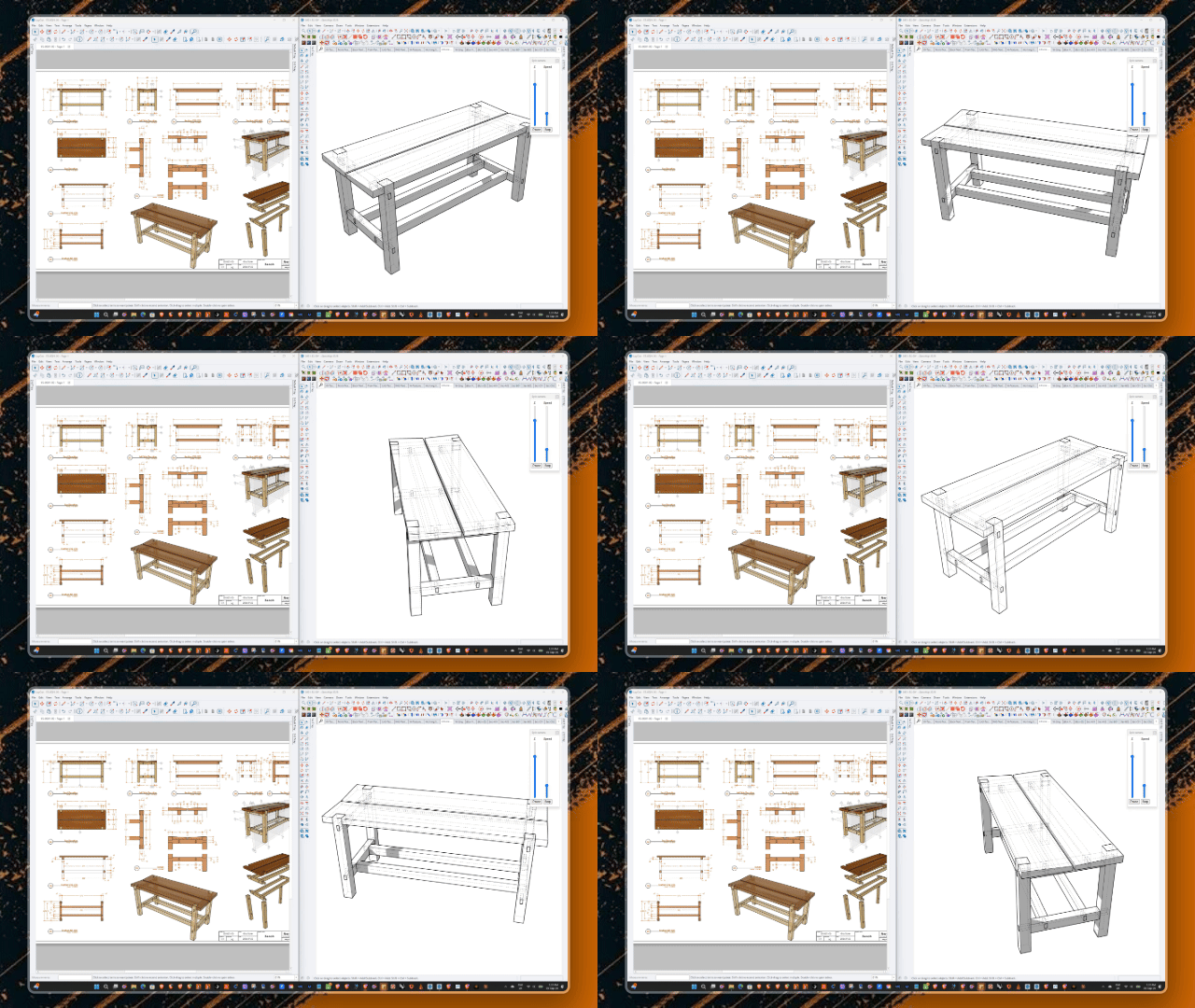
In this project, I designed and drafted a solid wood bench using maple and cherry, combining SketchUp Pro for modeling with SketchUp Layout for the final production drawings.
One of the things I really value about SketchUp Pro is how well it's organized for this kind of work. Layers, tags, scenes, sections, and textures all come together to keep the model clean and easy to manage, which makes a huge difference once you move into drafting.
Throughout the process, I used a combination of SketchUp's native tools and a few plugins that help speed up and refine the modeling work.
Because the model itself is well structured from the start, moving into SketchUp Layout for drafting becomes a much smoother process — the views, sections, and dimensions all pull cleanly from a solid foundation.
If you'd like to see the full process in action, I've put together a video walking through the entire workflow from modeling to drafting.
And if you're interested in this piece or want to see more of my work, you can check out my Etsy shop:
Link: Etsy Store